
Turn an add-on on or off
1
Open Add-ons
Go to Settings, then Add-ons. Only admins see Settings.
2
See what it includes
Each card says whether the add-on is Active or Inactive. Click See details for everything it includes.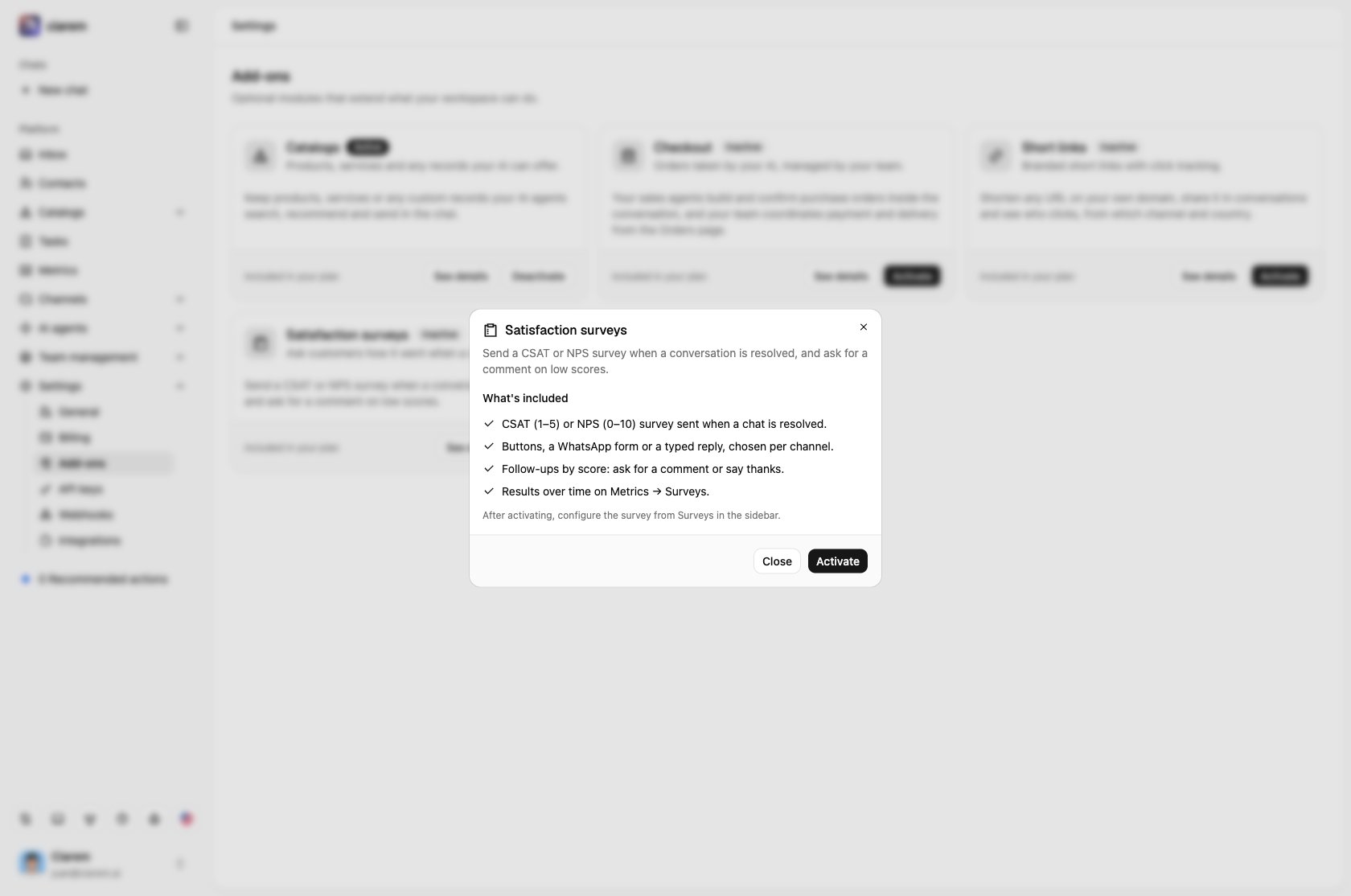
3
Activate it
Click Activate, on the card or in the details. Its section appears in the sidebar right away. Deactivate turns it off again.
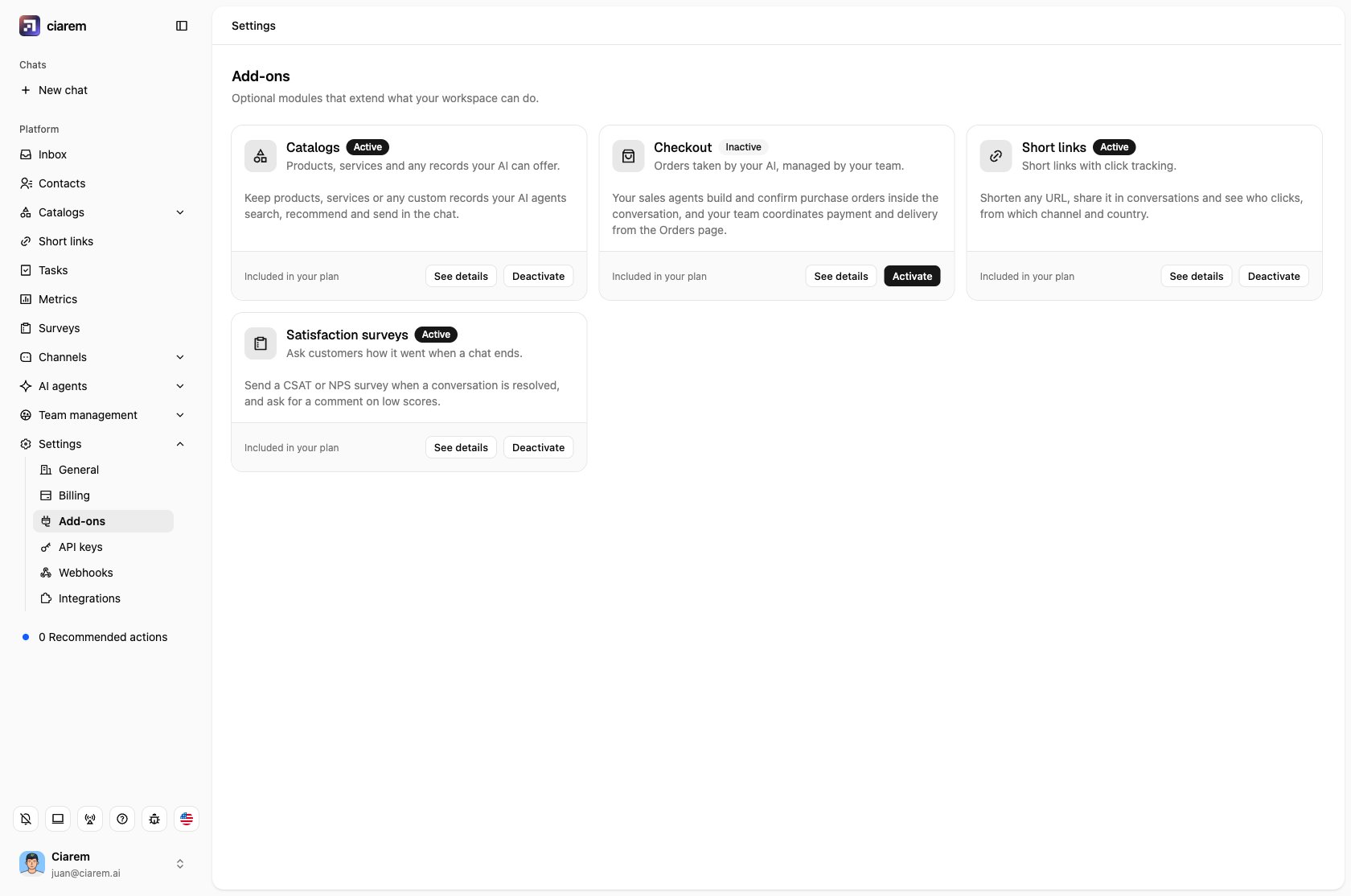
The add-ons
- Catalogs: turning it off only hides the section. Your catalogs and records are kept, and the AI agent keeps using them.
- Checkout: while it is off, the Orders page stays hidden.
- Short links: links use Ciarem’s short domain, ciarem.link, the same for every workspace. See details also has Shorten links sent by the AI, so the links your AI agent sends are tracked too.
- Satisfaction surveys: while it is off, no survey is sent. The Send satisfaction surveys switch on the Surveys page is the same switch.