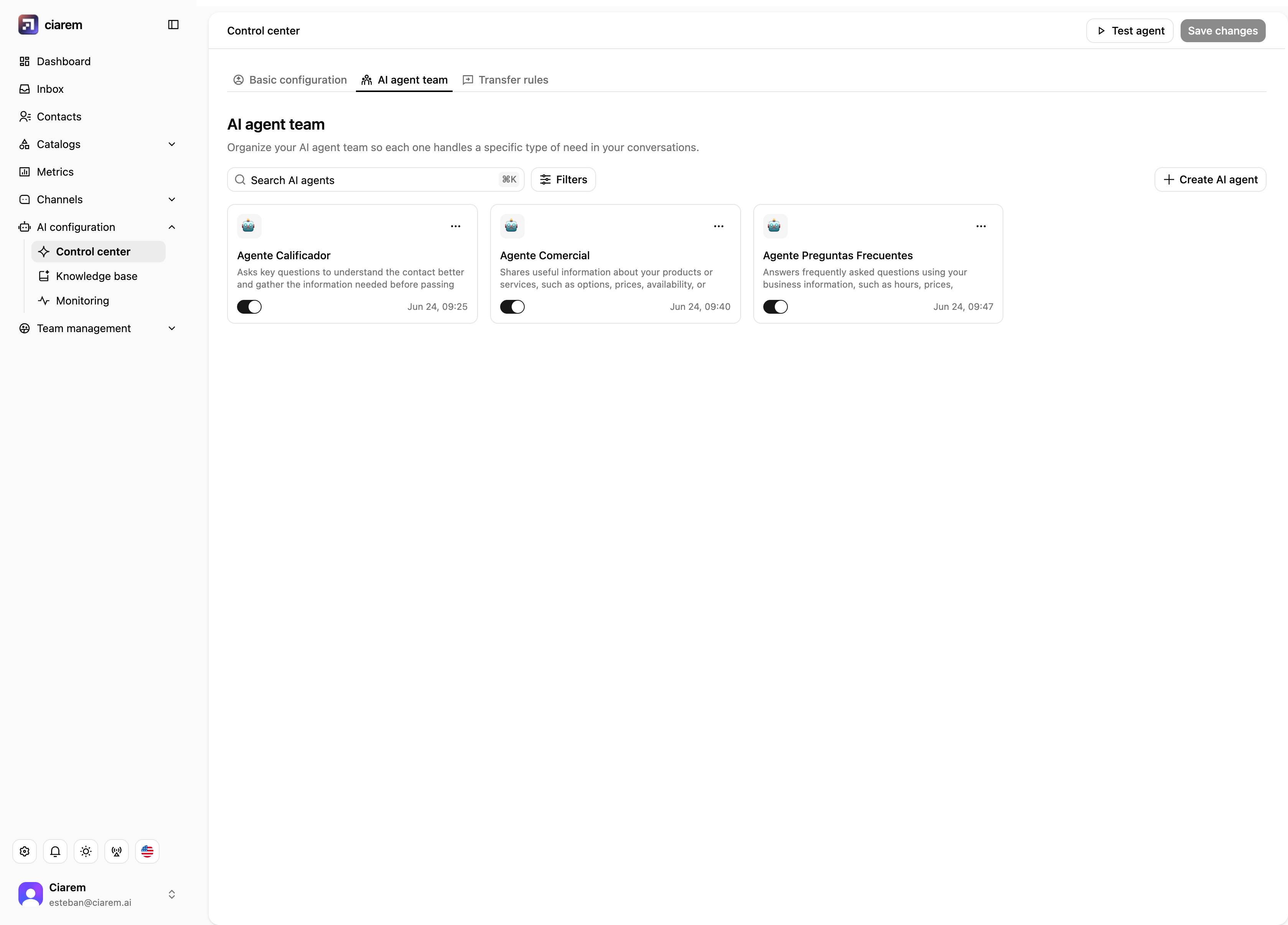
Control center: Basic configuration
Control center > Basic configuration defines how the AI agent communicates when responding to your contacts:- Business context. Who you are: company, industry, what you offer, who your customers are. Click Edit context to update it. The agent uses this to introduce your business correctly, so keep it honest and current.
- Primary language. Español, English, or Português. The agent uses this as its base and can adapt when a contact writes in another language.
- Response length. Brief, Normal, or Detailed.
- Initiative level. Low, Medium, or High: how much the agent proposes next steps or moves the conversation forward on its own. Higher initiative suits sales conversations; lower suits support.
- Voice and tone. Casual, Professional, Neutral, or Formal.
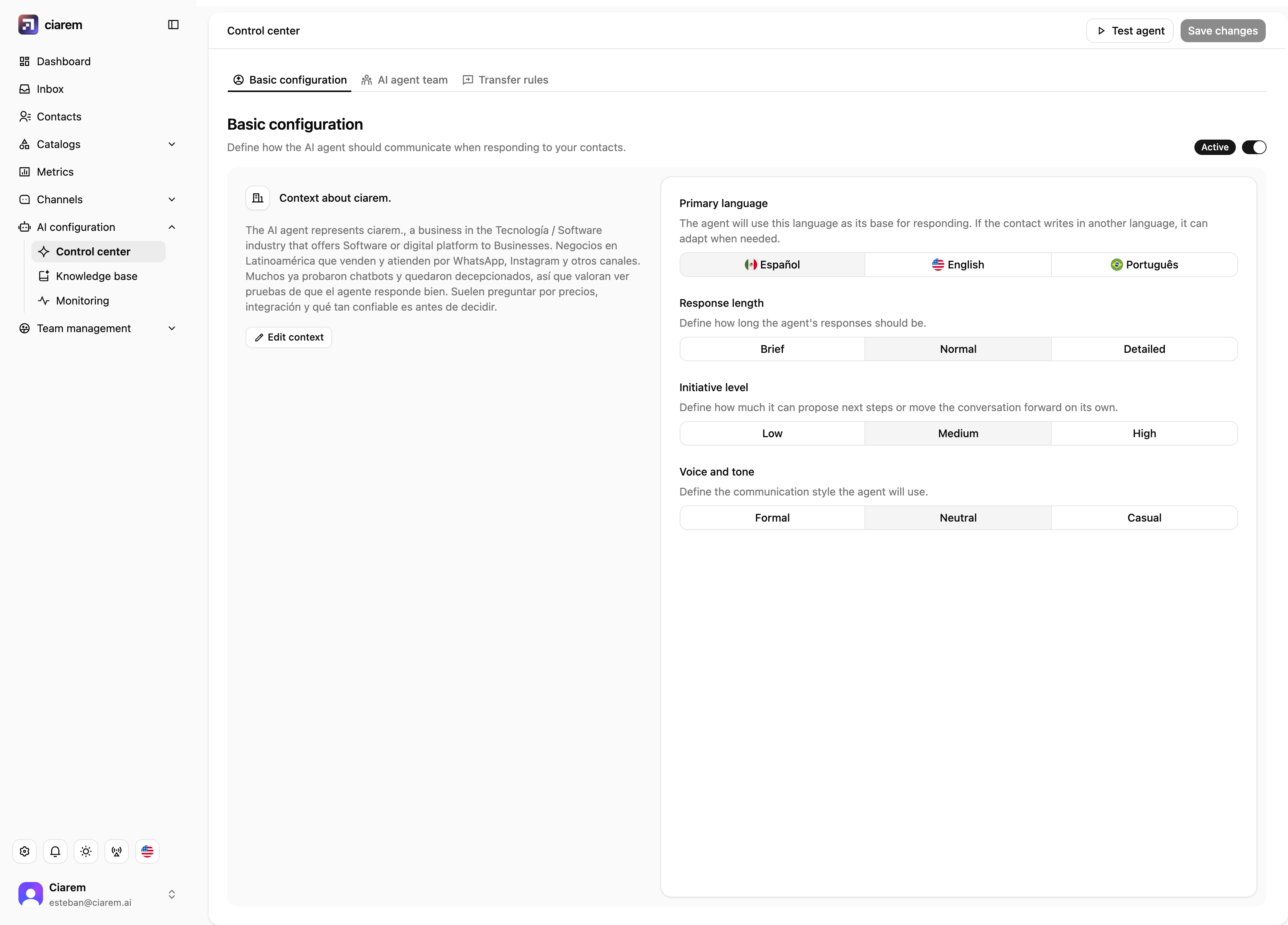
Knowledge bases
AI configuration > Knowledge base holds what your agents know: your business information, organized so the AI can consult it when responding. Create a knowledge base with Create knowledge base and fill it with your content: files, free text, or websites. The agent answers from what you have given it. If a customer asks something outside its knowledge, transfer rules catch it rather than letting the agent invent an answer. The most common cause of wrong answers is a price or policy that changed in real life but not in the knowledge base, so treat it as a living document. You can toggle each knowledge base on or off, and test how it answers with Test knowledge base in Monitoring > Readiness.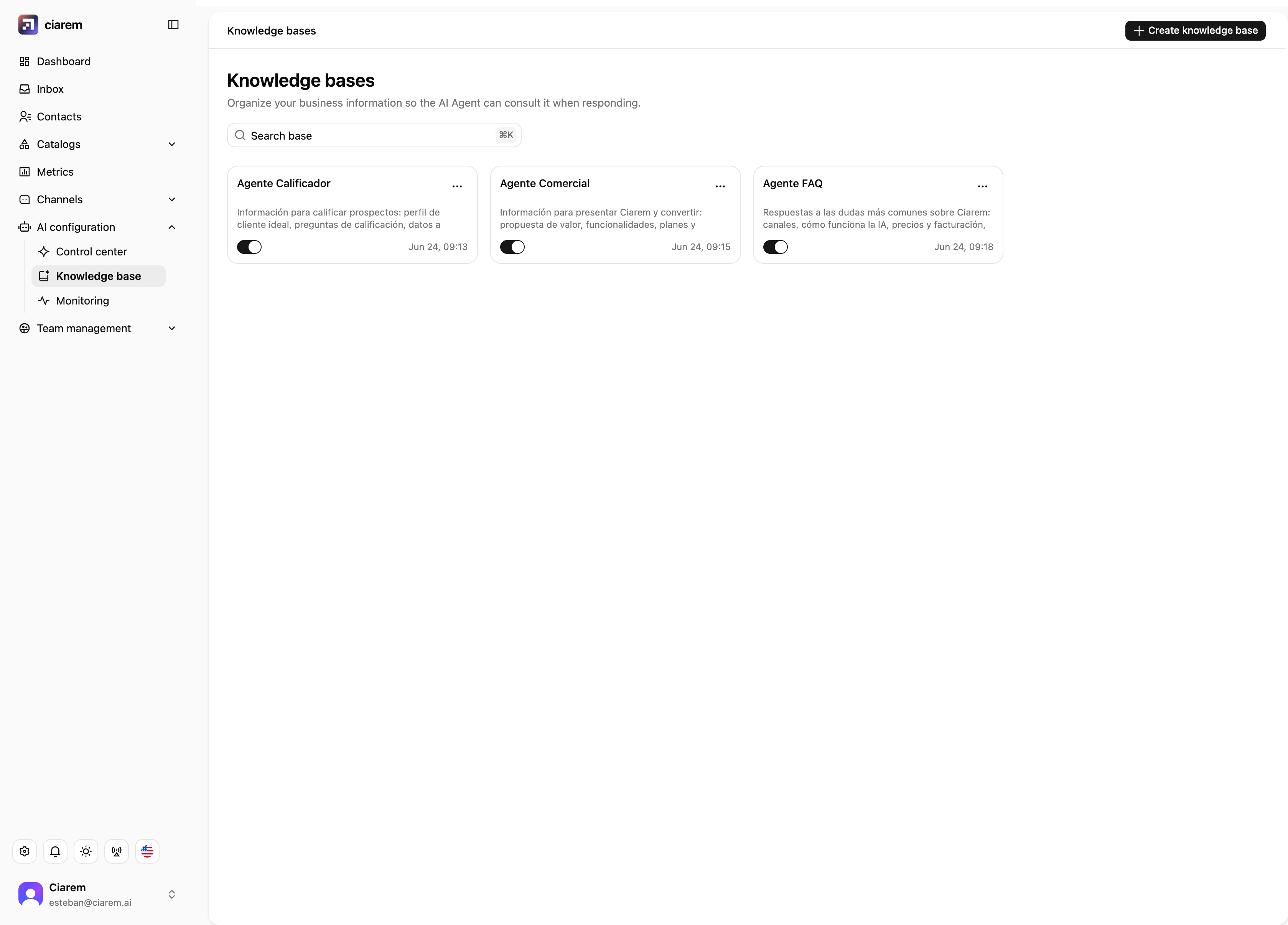
Your AI agent team
Control center > AI agent team organizes specialized agents so each one handles a specific type of need: for example one that qualifies new leads, one that presents your offer and pricing, and one that answers frequent questions. Each agent has its own description and knowledge, and can be switched on or off individually. Create AI agent adds a new one. You do not have to think about routing; the platform decides which agent handles which conversation.