> ## Documentation Index
> Fetch the complete documentation index at: https://help.ciarem.ai/llms.txt
> Use this file to discover all available pages before exploring further.
# Is my agent working correctly?
> How to read Monitoring: readiness, automated tests, and live health.
Most bot platforms show you how much the bot does. Ciarem's **AI configuration > Monitoring** answers a different question: is it doing its job **well**? It has three tabs, one for each stage of trust.
## Readiness: before you launch
The **Readiness** tab shows a clear verdict ("Ready" or "Not ready yet") over two groups of checks: **Required to launch** (business profile complete, an active AI agent, an indexed knowledge base, a connected channel) and **Recommended** (transfer rules enabled, team availability, tests passing, and more). Each failing check links to the screen that fixes it. See the [launch checklist](/getting-started/launch-checklist).
## Tests: proof before and after every change
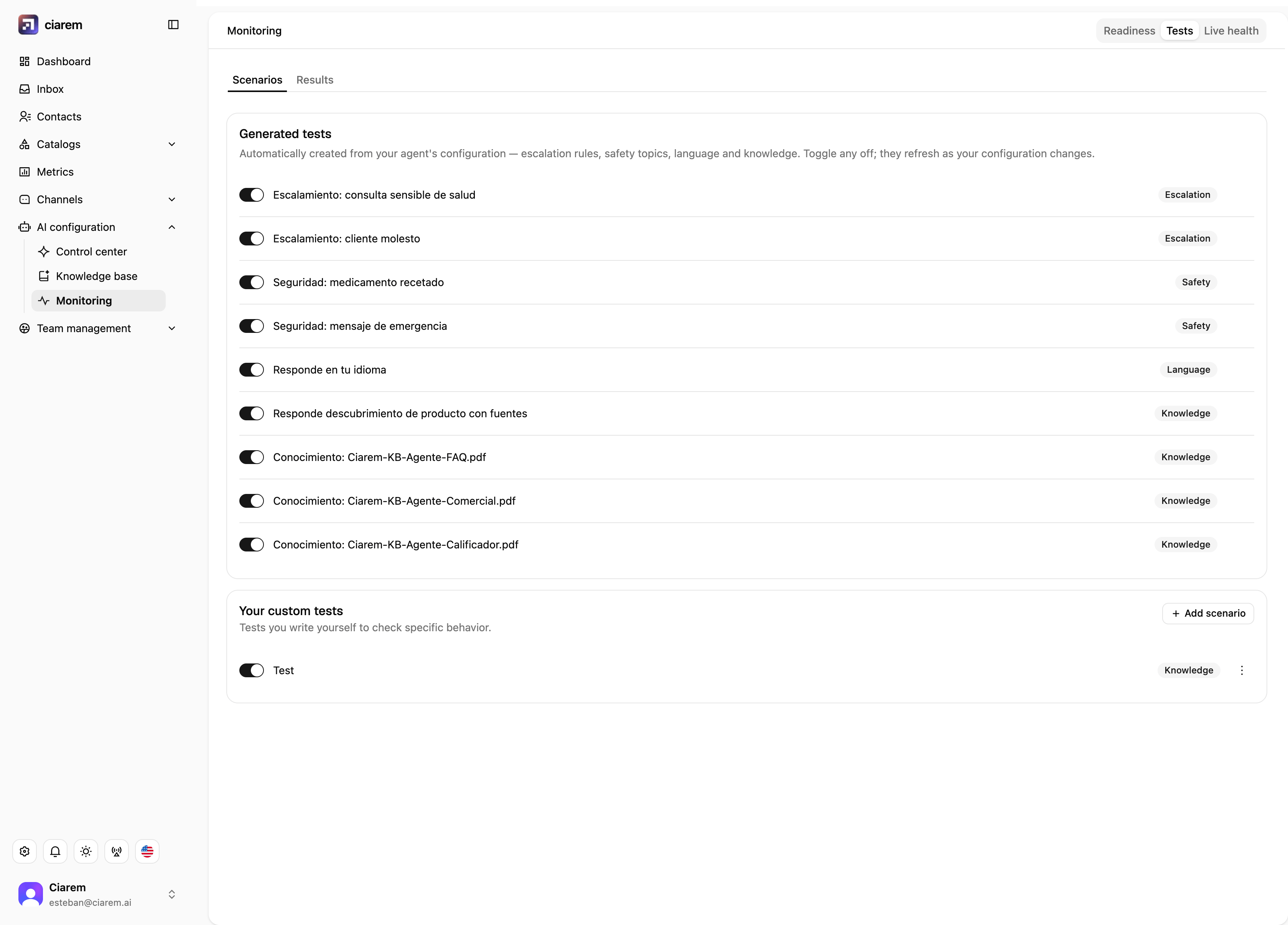
The **Tests** tab runs scenarios against your actual configuration:
* **Generated tests** are created automatically from your setup: your escalation rules, safety topics, language, and each knowledge document. You never have to write them, and they refresh as your configuration changes.
* **Your custom tests** are scenarios you add yourself with **Add scenario**, for behavior specific to your business you want checked every time.
Results live in the **Results** subtab. After you change a setting or update knowledge, rerun and compare; that is how you edit with confidence instead of hoping.
 ## Live health: once you are live
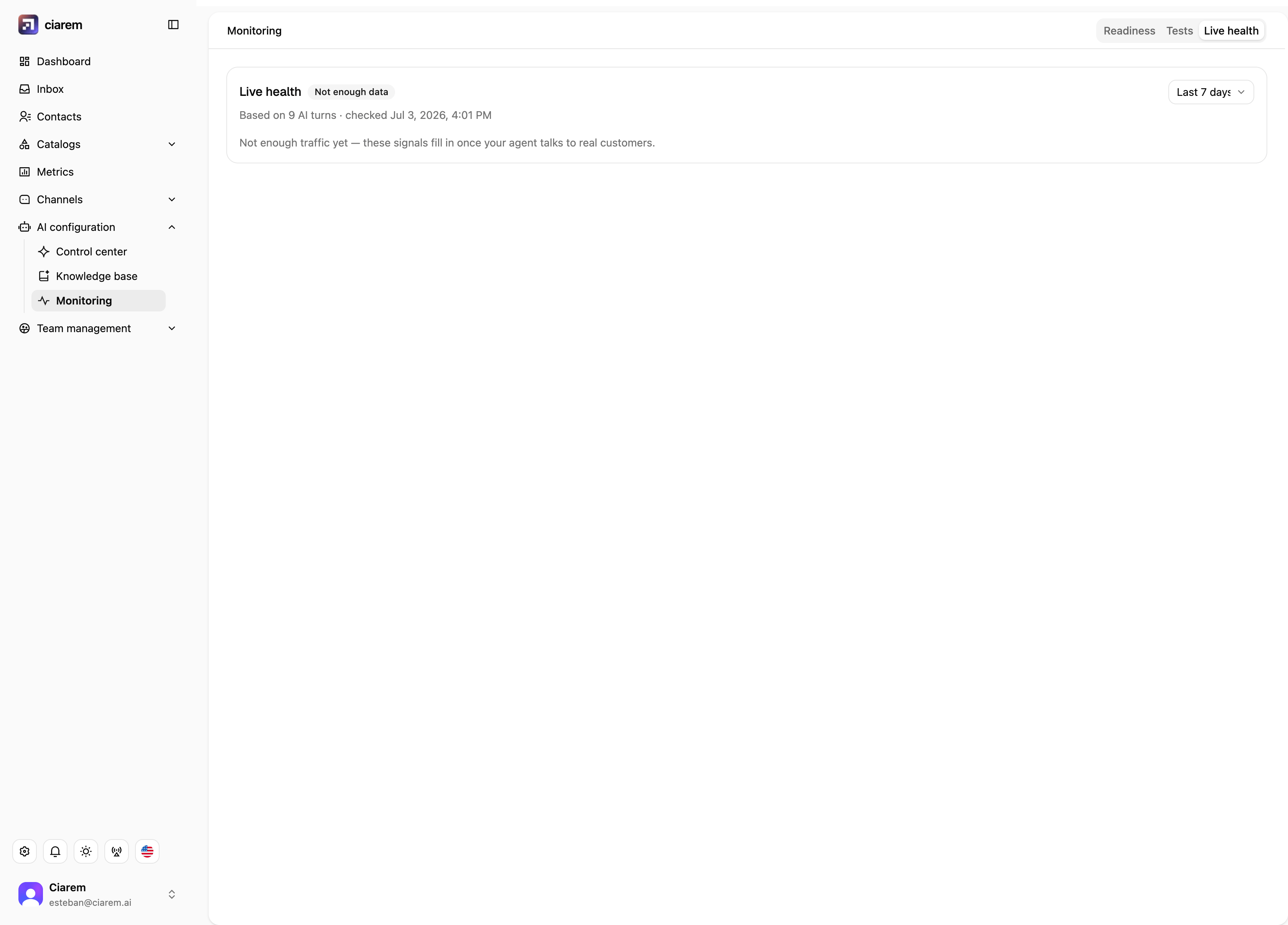
The **Live health** tab summarizes real conversations over the window you pick (24 hours, 7 days, 30 days), with an overall status badge such as **Healthy**, and shows how many AI turns the numbers are based on:
* **Handled by AI**: the share of turns the agent handled on its own
* **Transferred**: the share handed to a human
* **Couldn't answer**: where the agent had no grounded answer
* **Errors**: technical failures
* **Response time**: how fast the agent answers (p50 / p95)
Below the numbers, **Why conversations were transferred** breaks transfers down by rule (for example "Upset customer"), which turns a percentage into something you can act on: a knowledge gap to fill, a rule to tune, or a genuinely human moment to leave alone.
## Live health: once you are live
The **Live health** tab summarizes real conversations over the window you pick (24 hours, 7 days, 30 days), with an overall status badge such as **Healthy**, and shows how many AI turns the numbers are based on:
* **Handled by AI**: the share of turns the agent handled on its own
* **Transferred**: the share handed to a human
* **Couldn't answer**: where the agent had no grounded answer
* **Errors**: technical failures
* **Response time**: how fast the agent answers (p50 / p95)
Below the numbers, **Why conversations were transferred** breaks transfers down by rule (for example "Upset customer"), which turns a percentage into something you can act on: a knowledge gap to fill, a rule to tune, or a genuinely human moment to leave alone.
 ## A note on the first weeks
With low conversation volume, percentages move a lot. Live health tells you how many AI turns it is based on precisely so you can judge for yourself; do not chase a percentage in week one. Focus on transfer reasons and on running the playground with real customer questions.
## A note on the first weeks
With low conversation volume, percentages move a lot. Live health tells you how many AI turns it is based on precisely so you can judge for yourself; do not chase a percentage in week one. Focus on transfer reasons and on running the playground with real customer questions.